Troubleshoot
Resolve microphone discovery issues
Resolve a network loop warning on RoomHub
RoomHub won't power on
RoomVision XL camera not discovered
RoomVision camera not discovered
AudioIQ optimisation not running
RoomHub does not connect to Pleneo Cloud
Laptop doesn't detect RoomHub over USB
No audio from Sonia speakers
No audio from a RoomDesign Ceiling speaker
Troubleshoot
Troubleshoot
Edited
No audio from Sonia speakers
Steps to restore sound when Sonia speakers are silent.
Overview
If Sonia speakers aren't playing audio, the cause is usually a connection, the Sonia Amp's power, or room assignment. Work through the checks below.

Check the speaker connections
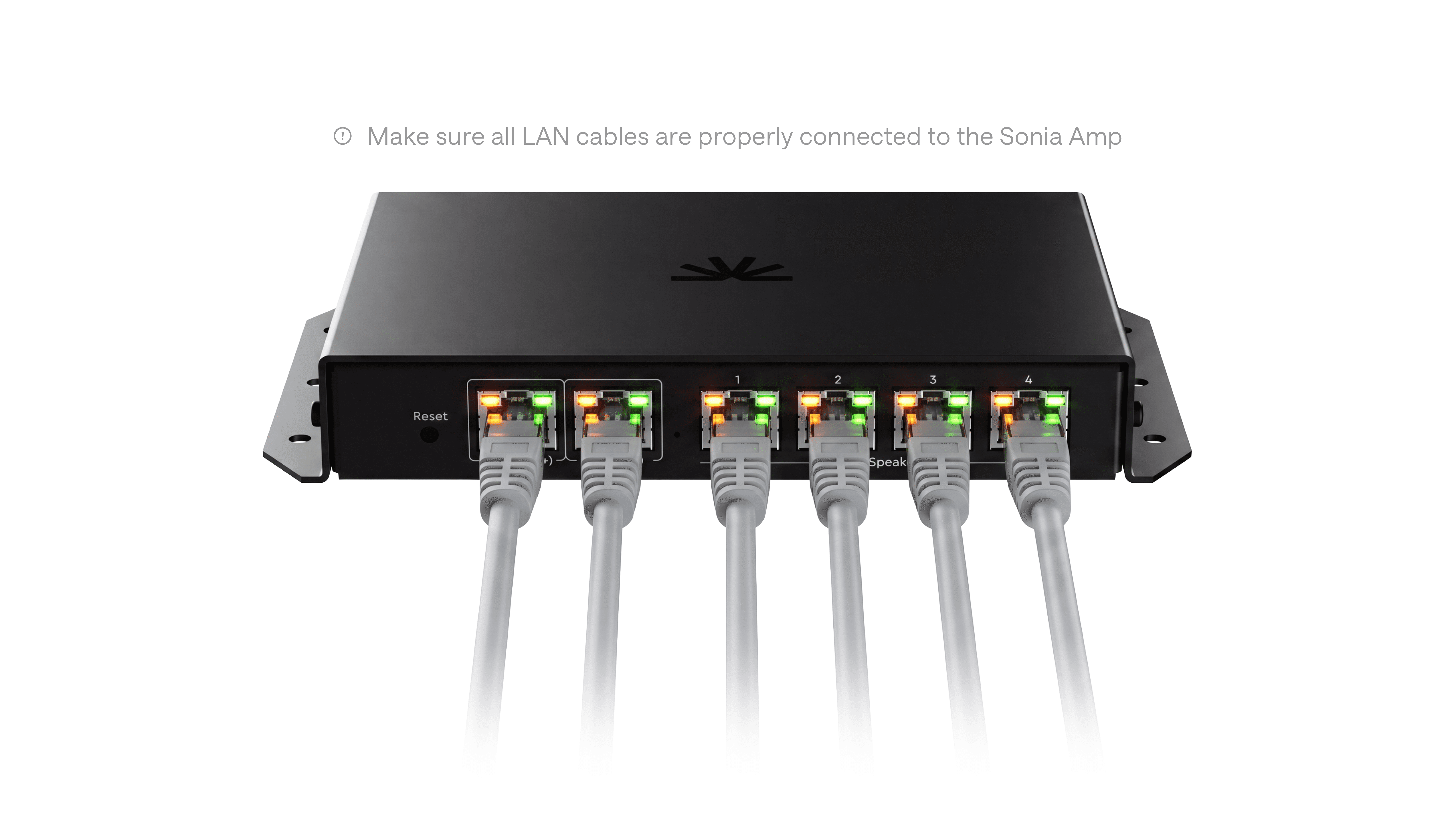
Make sure each Sonia speaker is properly connected to the Sonia Amp, with all cables firmly seated in the correct ports. A loose connection here is the most common cause of silent speakers.
Check the Sonia Amp network connection
Confirm the Sonia Amp is connected to a network switch on the LAN (PoE+) port, with the Ethernet cable fully seated at both ends.
Verify power
The Sonia Amp needs PoE+ (802.3at) or PoE++ (802.3bt) to operate. Standard PoE doesn't supply enough power. PoE++ is recommended for higher volume.
If power looks correct but the Amp still isn't working, try a different switch port.
Confirm room assignment
If power and cabling are correct, open RoomHub's web interface and check that the Sonia Amp is added to the correct Pleneo Room. Audio only routes to speakers assigned to the active room.
In summary
Once the Sonia Amp is powered, connected, and assigned to the room, audio plays automatically. If it's still silent, generate a diagnostic report and contact Pleneo Support.