Manage
Security and Compliance
Edited
Local processing and privacy for Pleneo Room
RoomHub processes audio locally and uses the cloud only for monitoring, so conversations stay private.
Overview
RoomHub processes audio locally and uses the cloud only for monitoring and management.

Local processing by design
All AI audio processing runs entirely on RoomHub, including:
AI NoiseSense™
ML Room Enhancement
AI AutoDeploy™
HearClear™ AEC Gen 2
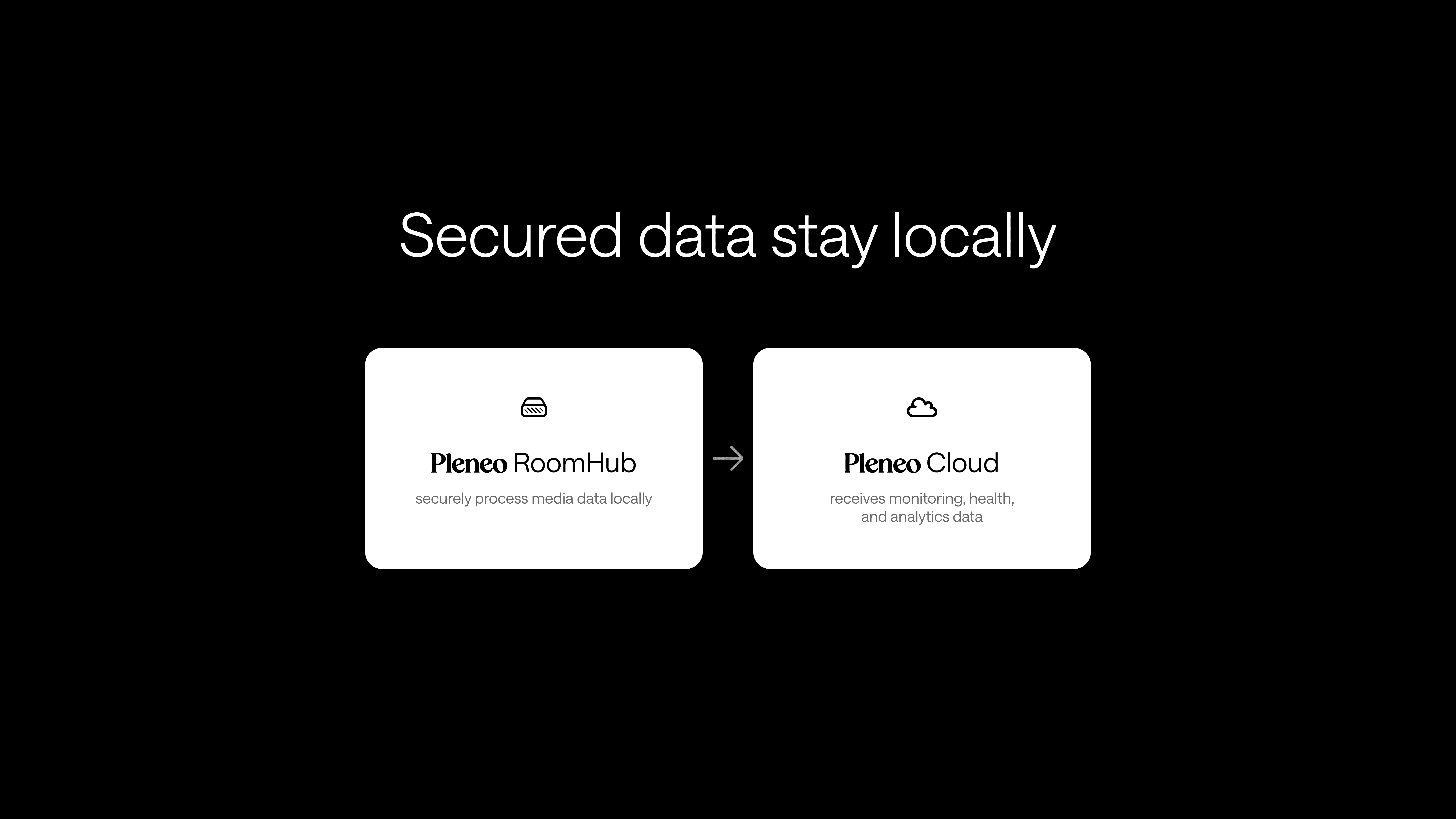
RoomHub processes all audio, media, and AI locally. No audio, media, or meeting content is ever sent to the cloud, only monitoring data and analytics. This is what keeps conversations private, even when a room is cloud-managed.
Cloud usage, when needed
When cloud management is enabled, only the following are sent to Pleneo Cloud:
System health data
Monitoring information
Analytics
This data is handled on Microsoft Azure, enterprise-grade infrastructure with its own security and compliance controls. It enables remote management and insights without exposing sensitive media or conversations.
Network and access security
RoomHub supports enterprise security features such as:
802.1X network authentication
VLAN separation
Secure device management
Each RoomHub LAN port verifies connected devices automatically, helping protect the wider network even in mixed-device environments.
In summary
RoomHub keeps audio processing local and sends only system data to the cloud. Rooms can be cloud-managed while conversations stay private.