Manage
Cloud & Platform Management
Edited
Room insights in Pleneo Cloud
See how your rooms are used and how they're performing, in one dashboard.
Overview
Pleneo Cloud collects data from your Pleneo Rooms and presents it as insights. The dashboard shows how your rooms are actually being used.

View your insights
To open the insights dashboard:
Open the menu in Pleneo Cloud
Select Insights
You'll see a dashboard with key metrics across your rooms and devices.
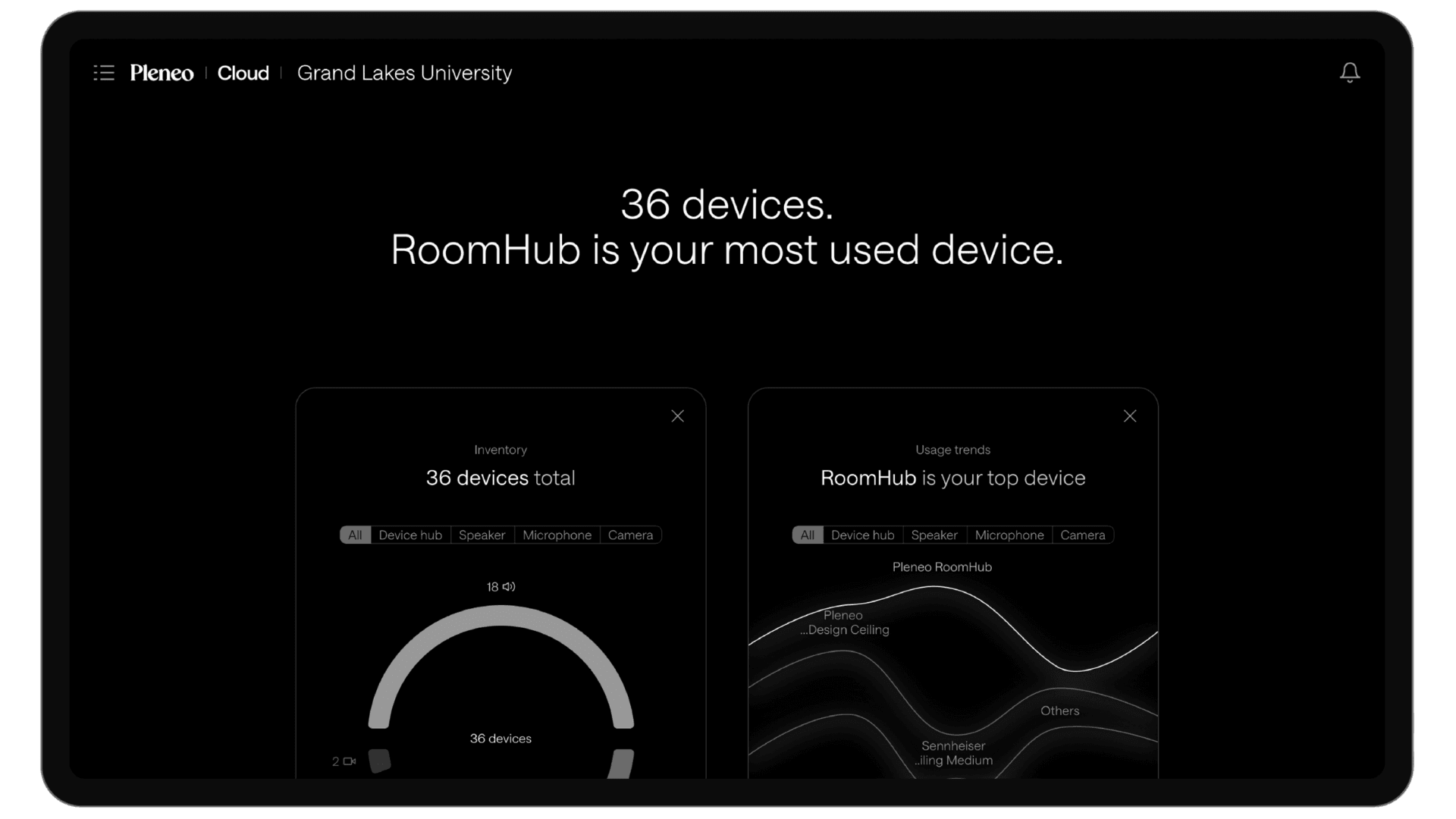
Why insights matter
Insights help you understand how often rooms are used, which spaces perform well, and where adjustments may be needed.
For larger organisations, this makes it easier to get more from existing rooms, plan future expansions, and base decisions on real usage rather than assumptions.
Customize your view
Tailor the dashboard to what matters most to you:
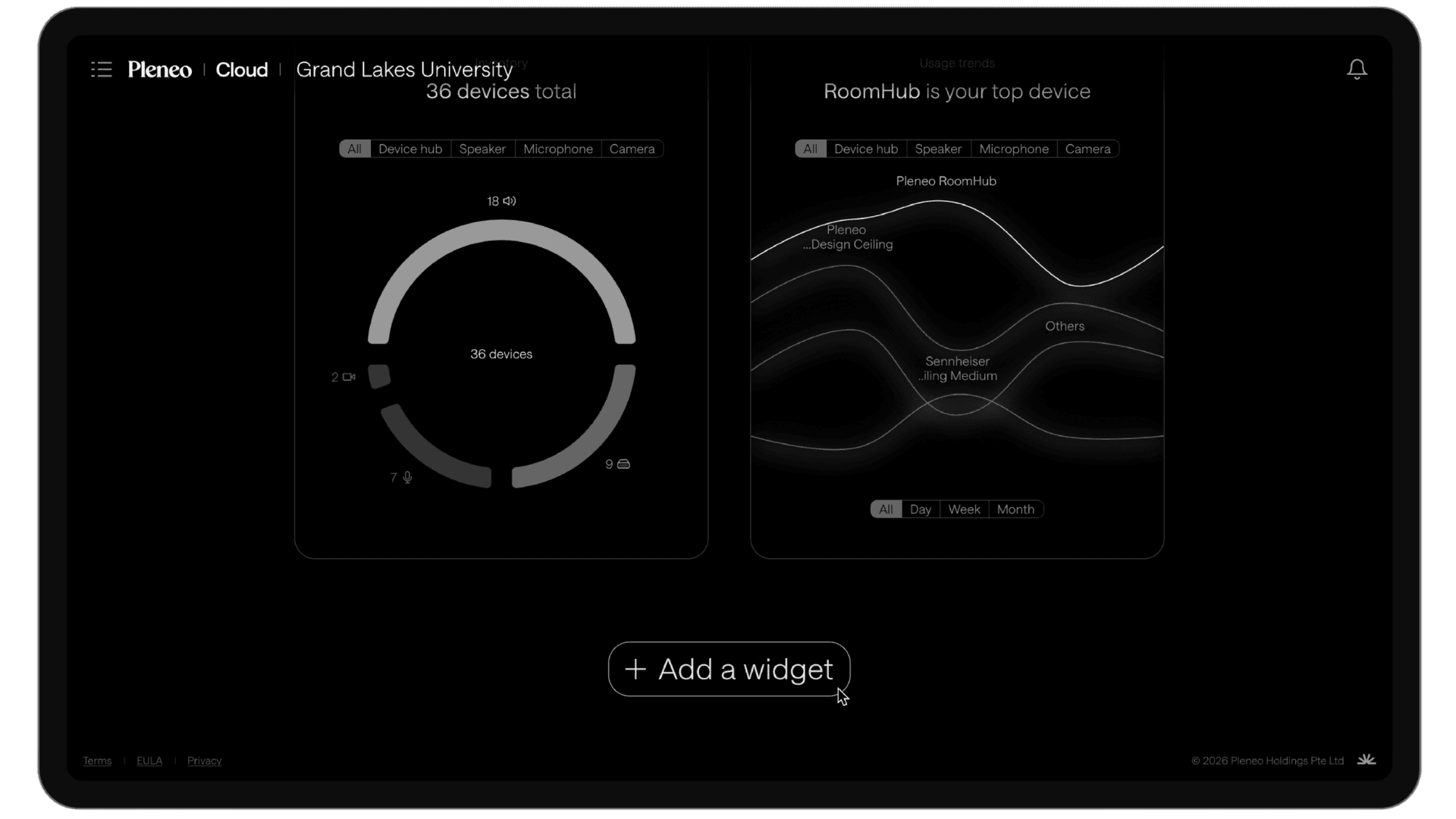
Select Add Widget at the bottom of the Insights page
Choose the data you want to track
Tip: build the dashboard around what you check most often, such as usage, performance, or system health, so the data that matters is always front and centre.
In summary
The Insights dashboard shows how rooms are performing. Customise it to match what you check most often.