Manage
Cloud & Platform Management
Edited
Organising rooms by location in Pleneo Cloud
Group and filter your rooms by site, whether you manage one location or many.
Overview
Pleneo Cloud lets you organise and filter rooms by location, whether you manage a single site or many.

Your main view
When you open Pleneo Cloud, you see all your rooms in one overview, along with the devices in each. This is your starting point for any task in the platform.
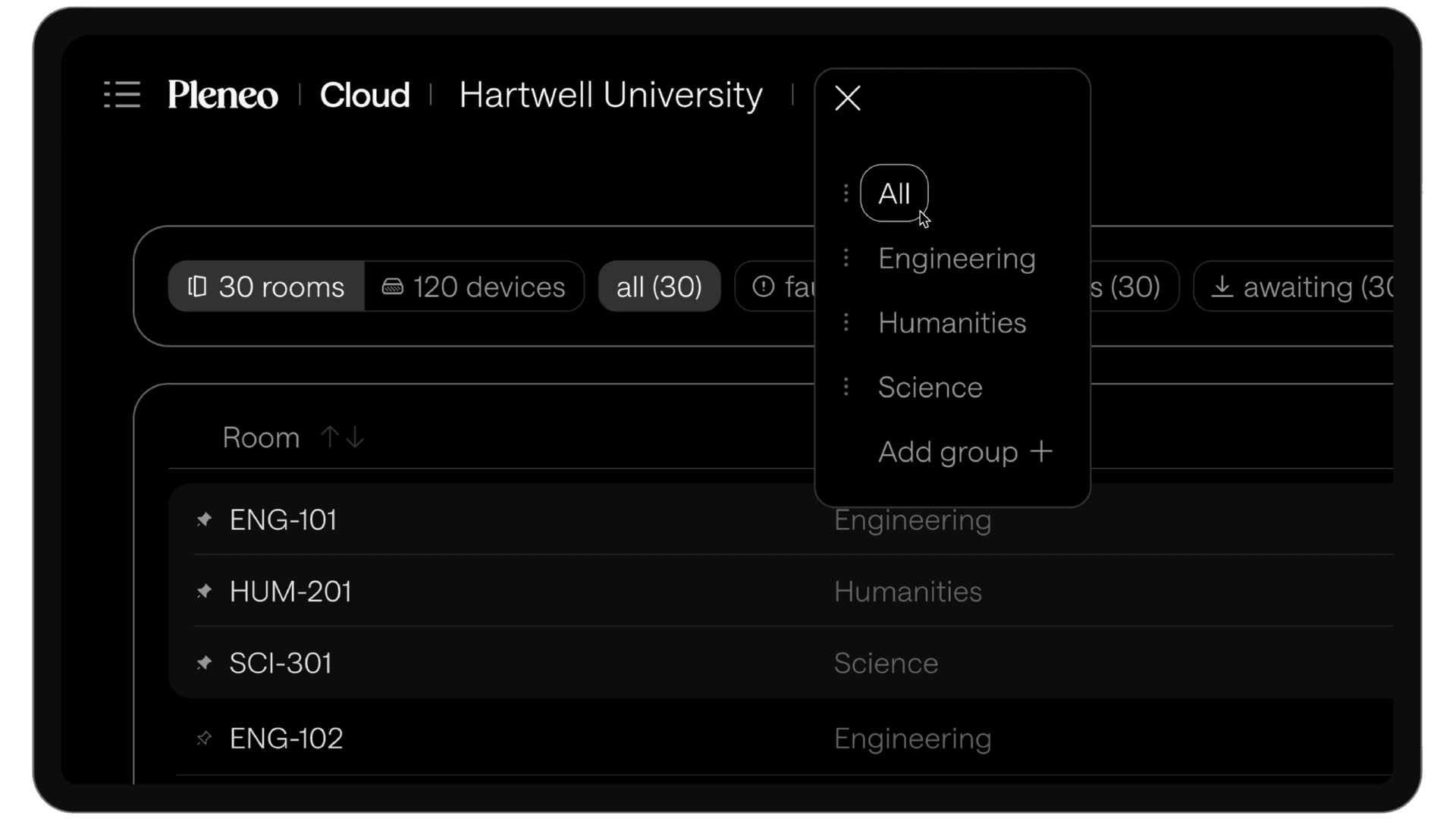
Filter by location
To focus on a specific site or area:
Select the location selector in the main view
Choose the location you want to see
The view updates to show only the rooms in that location.
Add a new location
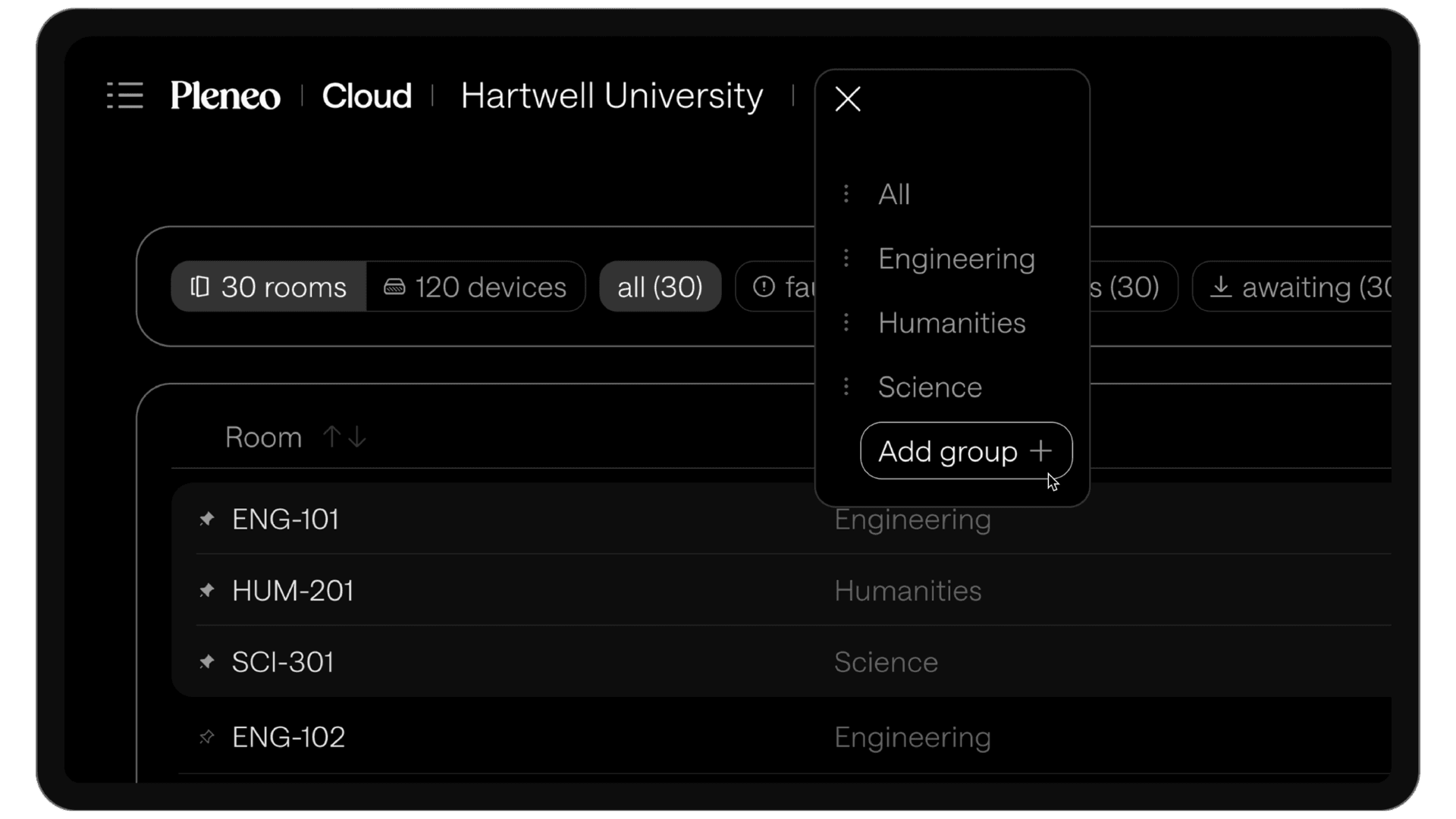
To organise rooms in a new way:
Select Add Group
Give the location a name
The new location is ready right away, and you can reassign any room to it at any time.
In summary
Sorting by location helps you:
Move quickly through large deployments
Focus on one site at a time
Keep rooms organised as your system grows