Manage
Daily Use
Edited
RoomHub does not require an internet connection
Everything in the room runs locally. Internet is optional.
Overview
RoomHub works fully out of the box, no internet required.
It sets up, tunes, and runs entirely on its own, performing the same offline as it does online.
———————————————————————————————————————————————
What works offline
RoomHub is designed to operate independently.
Without internet access, you can still:
Detect and assign microphones, speakers, cameras, and amplifiers
Automatically tune the room with AI AutoDeploy™
Use all real-time audio processing, such as AI NoiseSense™ and ML Room Enhancement
Control microphones and PTZ cameras
Run meetings normally, with no limitations
Performance and functionality are not reduced.
———————————————————————————————————————————————
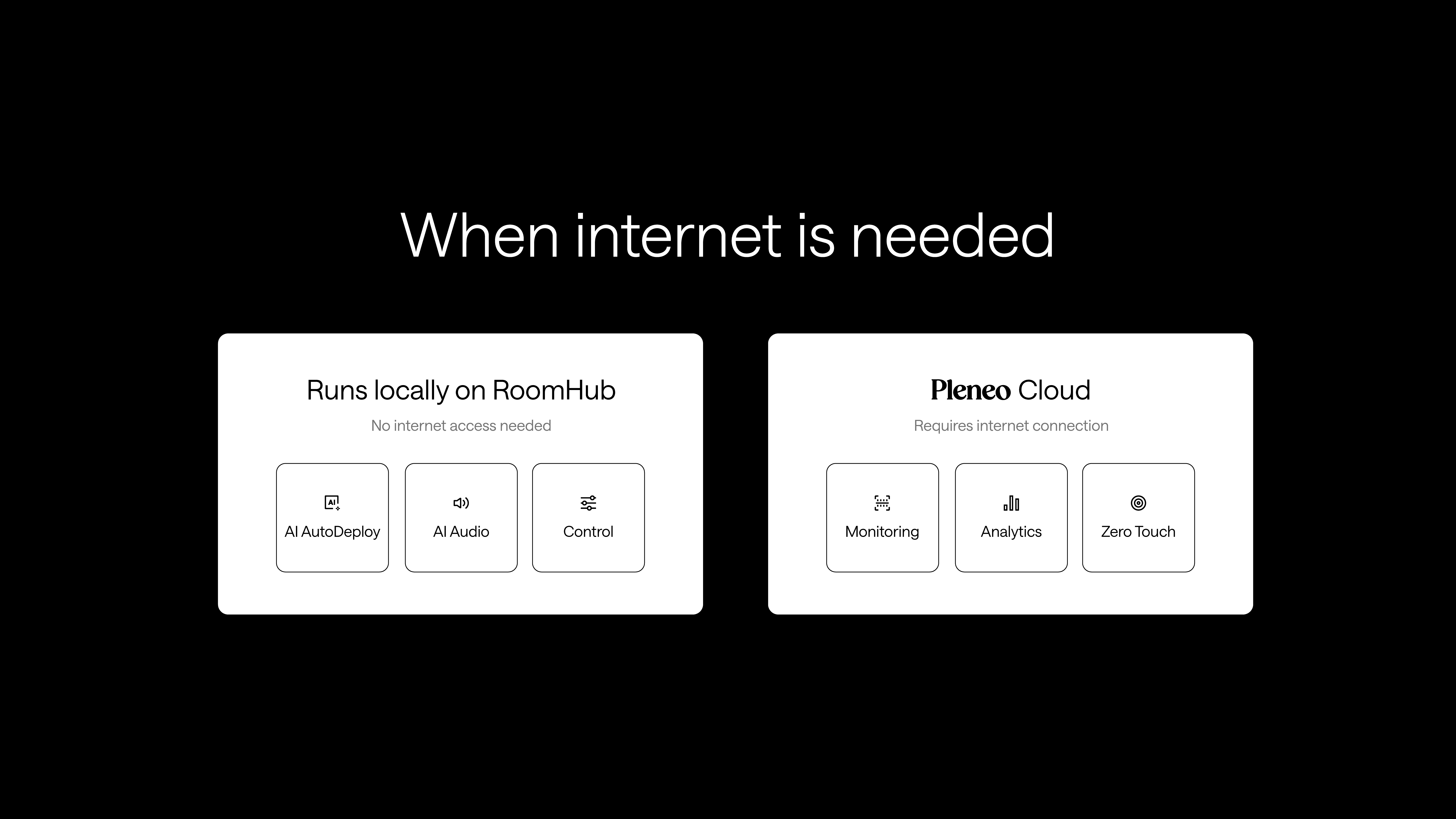
When internet is needed
Internet access is only required if you want to use Pleneo Cloud.
Cloud features include:
Remote management
Monitoring and analytics
Zero Touch Cloud Deployment
If these features aren't needed, RoomHub runs entirely on premises, with no internet access required.
———————————————————————————————————————————————
Offline deployment
In offline or restricted environments, use Local Deployment:
Connect RoomHub to the local network.
Detect and assign room devices.
Run AI AutoDeploy™ to set up, test, and tune the room.
Note: This produces a fully configured room with no cloud connection, suitable for secure or air-gapped sites.
———————————————————————————————————————————————
In summary
RoomHub does not need internet to work. Only cloud features require a connection.
No internet — a fully functional AV system using local deployment
Internet enabled — cloud monitoring, analytics, and Zero Touch Deployment
Local deployment — device detection, audio tuning, and PTZ setup, all offline
The room works the same way whether it’s offline or cloud-connected.