Manage
Hardware Lifecycle
Edited
Replacing a RoomHub
Swap in a new RoomHub and it picks up exactly where the old one left off.
Overview
If a RoomHub ever needs to be replaced, Pleneo Cloud will notify you automatically.
If your organization has integrated the Pleneo Cloud API into your ticketing system, you'll simply receive a new ticket stating that the RoomHub needs replacement.
RoomHub replacements can be done in two ways:
Cloud Replacement using Pleneo Cloud
Local Replacement using AI AutoDeploy™
———————————————————————————————————————————————
Replace via Pleneo Cloud
When using Pleneo Cloud, replacing a defective RoomHub takes just a few minutes.
Log in to Pleneo Cloud and locate the defective RoomHub in your list of rooms.
Select Replace.
Enter the MAC address of the new unit — either one you're bringing to site or a spare already on-site.
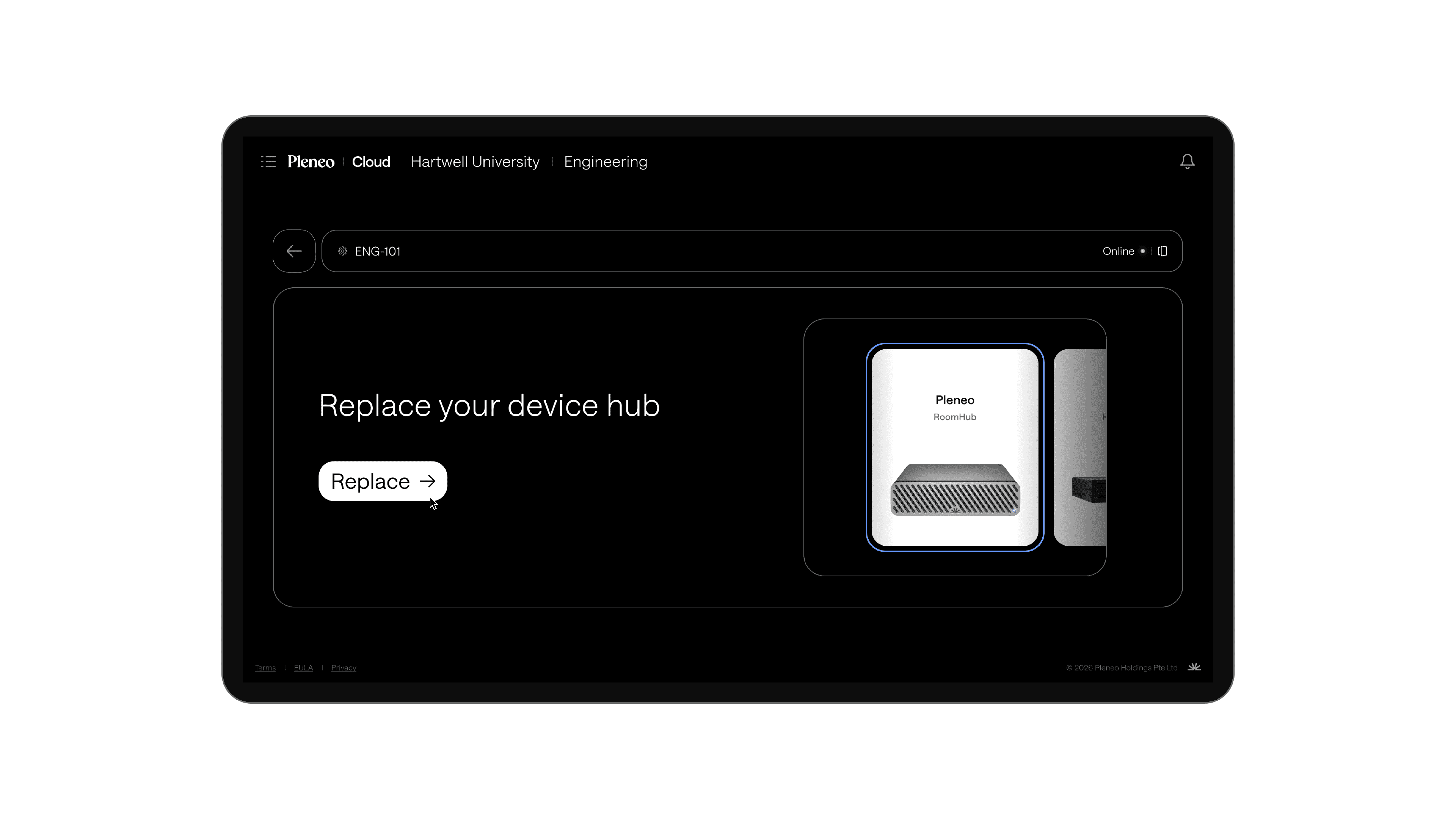
Once the new RoomHub connects to the internet, it automatically calls back to the cloud, downloads the complete system image, and restores all AI tuning and configuration.
Your system is back online within minutes, fully configured and optimized, with no manual setup required.
———————————————————————————————————————————————
Local replacement
If you're not using Pleneo Cloud, you can still replace a RoomHub locally.
Bring a new RoomHub to the site.
Connect it to the network.
Open the embedded web interface.
Re-assign the devices to your RoomHub.
Run AI AutoDeploy™ to automatically discover devices, configure audio routing, and tune the room.
This process restores full system performance, completely offline.
———————————————————————————————————————————————
When to use each method
Cloud Replacement — requires internet; automatically restores the full system image, tuning, and configuration; best for managed or large-scale deployments
Local Replacement — works offline; runs full setup and tuning via AI AutoDeploy™; best for offline or secure environments
———————————————————————————————————————————————
Result
RoomHub can be replaced and reconfigured quickly, whether you’re online or fully offline.