Manage
Hardware Lifecycle
Edited
Replacing Speakers, Microphones or Cameras
Bring a replacement speaker, microphone, or camera back online with AI AutoDeploy™
Overview
If a speaker, microphone, or camera in a Pleneo Room needs replacing, the process uses the same workflow as any other Pleneo device: install the replacement, reassign it, and let AI AutoDeploy reconfigure the room.
You can replace a device two ways: on-site through Local Replacement, or remotely through Cloud Replacement. With Cloud Replacement, if your ticketing system is linked to the Pleneo Cloud API, replacement tasks can be created automatically.

Local replacement
Replacing a device on-site:
Bring the replacement speaker, microphone, or camera to the site
Install and connect the device
Open RoomHub's built-in web interface
Re-assign the device to the room
Run AI AutoDeploy to rediscover the devices, set up the connections, and retune the room
This restores full system performance, completely offline.
Cloud replacement
Replacing a device remotely, without configuring it on-site:
Open the room containing the faulty device in Pleneo Cloud
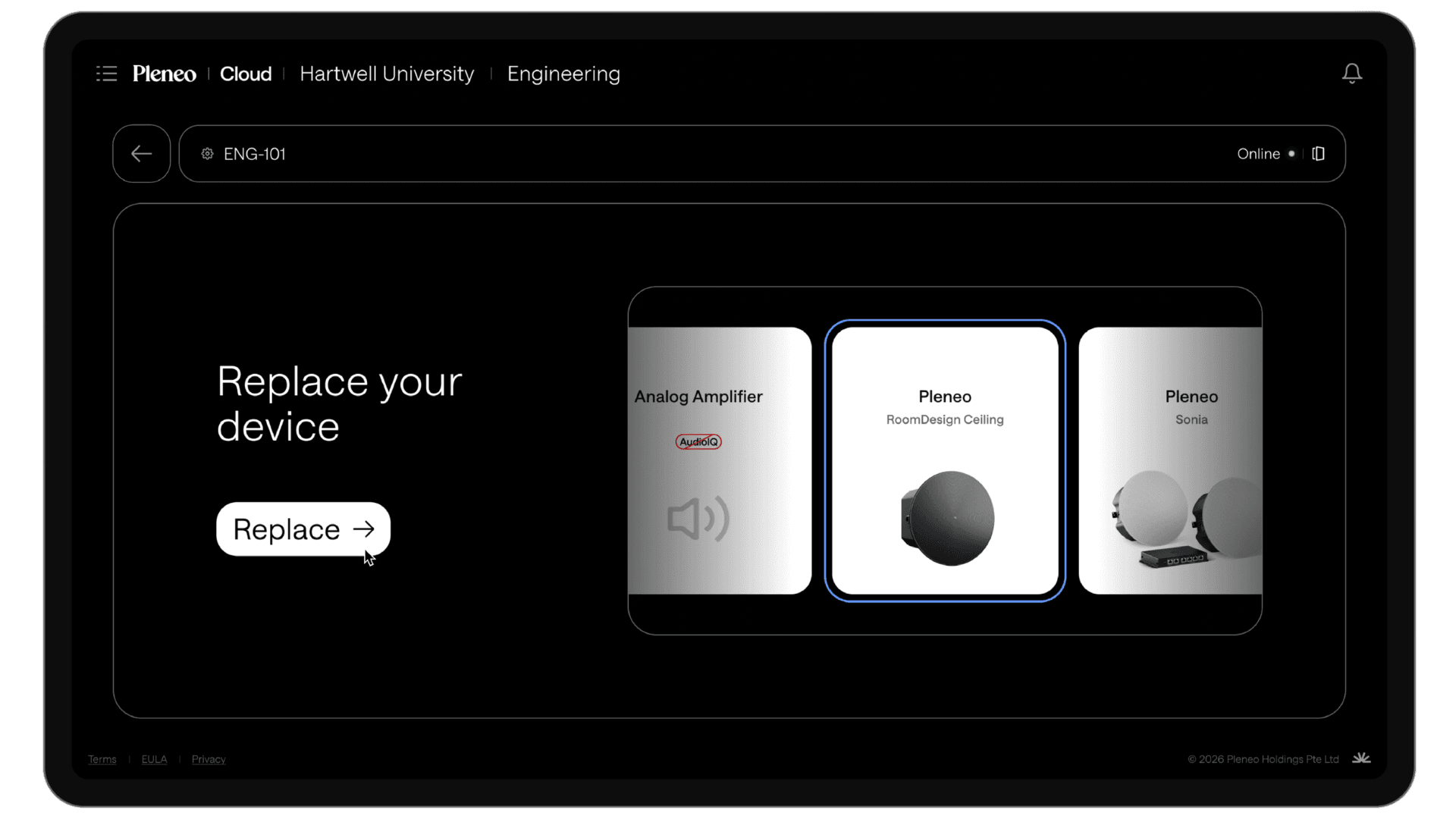
Select the device and choose Replace
Enter the MAC address of the replacement unit, a spare on-site, or a new device being installed
Once the replacement is connected and RoomHub has internet access, Pleneo Cloud re-runs AI AutoDeploy automatically, restoring the room's setup and tuning. The room comes back online within minutes, with no manual setup.
If your organisation links the Pleneo Cloud API to a ticketing system, a replacement task can be raised automatically when a device reports an issue.
In summary
Whether it's a speaker, microphone, or camera, a replacement device is brought back online quickly by re-running AI AutoDeploy:
Local Replacement: install, re-assign, and run AI AutoDeploy on-site; works fully offline
Cloud Replacement: replace and reconfigure remotely, with optional automatic ticketing