Design
Room OS, AI & Audio Concepts
Edited
AI NoiseSense
AI NoiseSense keeps conversations clear by separating speech from background noise.
Overview
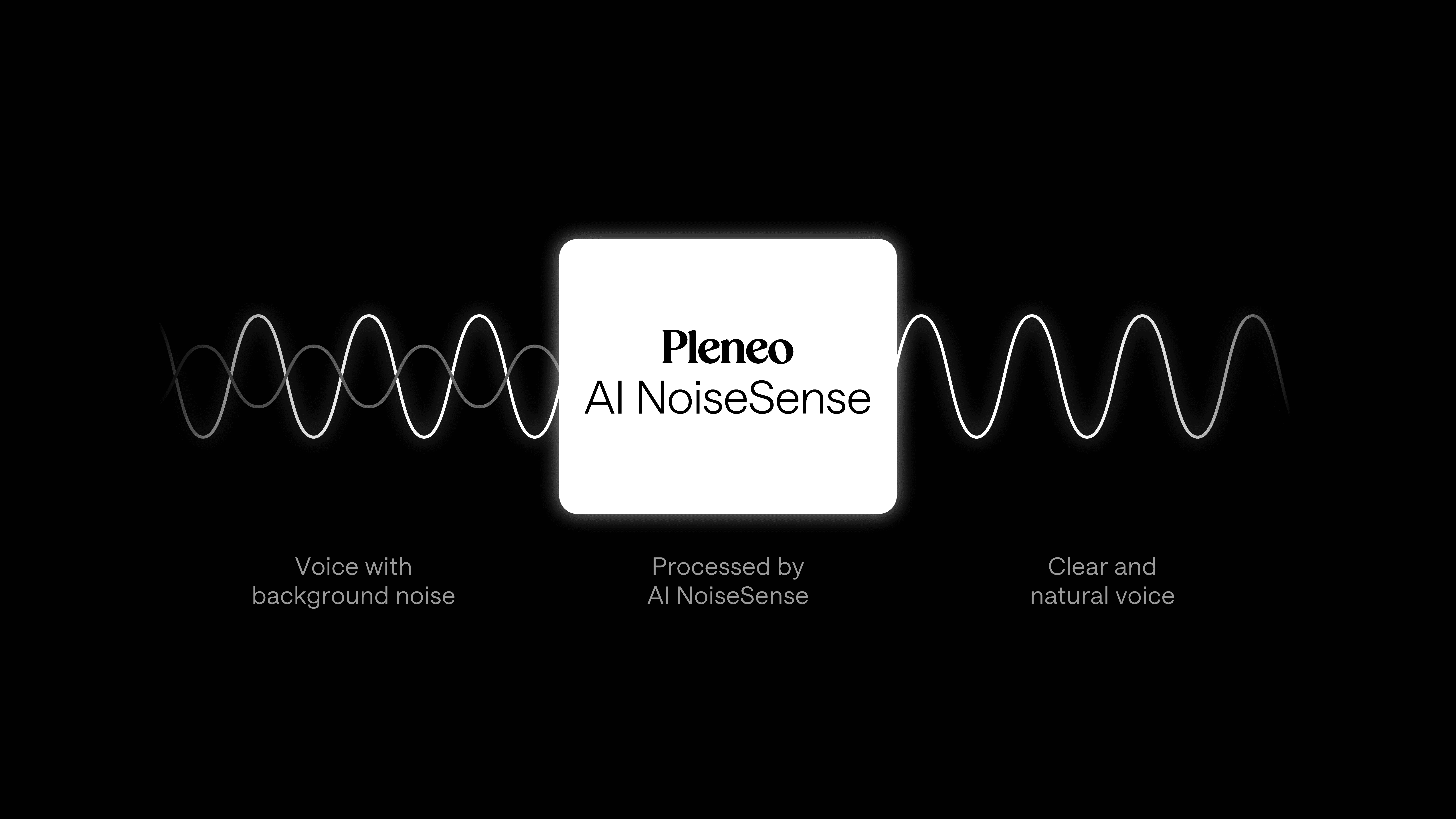
AI NoiseSense is a noise reduction feature built into RoomHub. It automatically separates human speech from background noise and reduces anything that isn't speech, so conversations stay clear and natural, even in challenging environments.
AI NoiseSense works continuously in the background. No manual tuning is required.
———————————————————————————————————————————————
How it works
AI NoiseSense uses machine learning models trained on a wide range of voices, accents, and speaking styles. This allows the system to reliably recognize speech and distinguish it from other sounds in real time.
As audio is captured, the system analyzes what it hears and groups noise into two types:
Static noise (HVAC, air conditioning, equipment hum) — gradually reduced or removed
Dynamic noise (chairs moving, doors closing, coughing, typing) — detected and suppressed as it happens
Treating each type differently keeps speech natural while reducing distractions.
———————————————————————————————————————————————
What you'll hear
With AI NoiseSense enabled:
Voices remain clear and intelligible
Background sounds fade naturally
Speech doesn't sound clipped or artificial
———————————————————————————————————————————————
When to use AI NoiseSense
AI NoiseSense can be enabled or disabled in RoomHub settings, depending on the space. It works well in:
Business meeting rooms
Classrooms
Courtrooms
Conference and training spaces
Enable it in shared or noisy environments where background sounds are unpredictable. In very quiet rooms, it can be left off without affecting performance.
———————————————————————————————————————————————
In summary
AI NoiseSense keeps conversations clear by reducing background noise.
Automatically distinguishes speech from noise
Handles steady and sudden sounds differently
Works in real time with no manual adjustment
Turn it on in rooms where background noise is common.