Design
Room OS Technologies
Edited
Where AutoDeploy works
The room types AutoDeploy™ is designed for, and a few simple things that help it perform at its best.
Overview
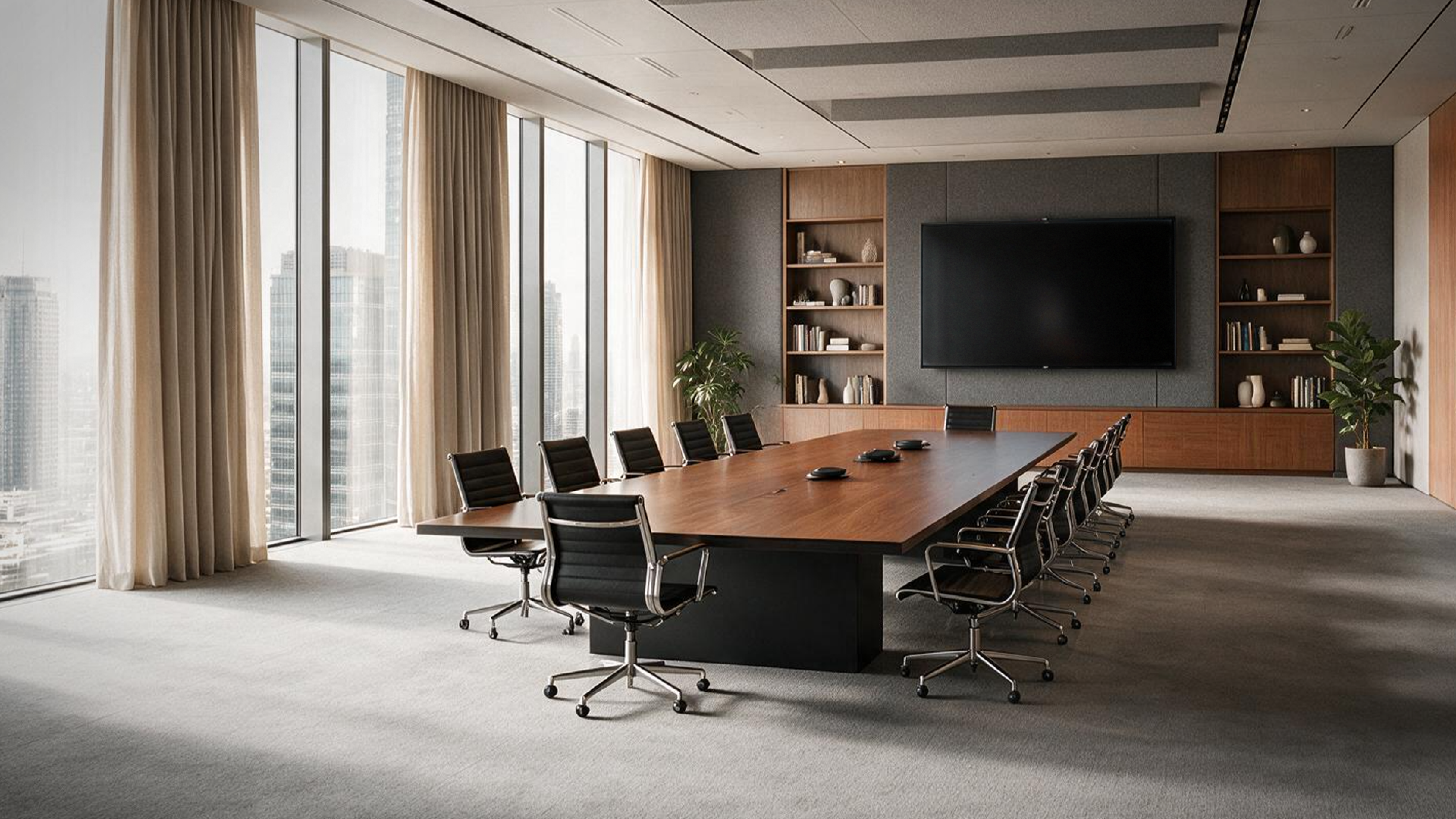
AutoDeploy is designed for standard meeting spaces: meeting rooms, boardrooms, classrooms, huddle rooms, and collaboration areas, across a wide range of shapes and sizes. In most rooms, it works out of the box with no special preparation.


Getting the best results
A few simple things help any room perform at its best:
Keep background noise low during setup (for example, HVAC or fans)
Furnished rooms perform better than empty ones
In larger rooms, position microphones to focus on where people speak, such as a conference table or lecture area
Unusual spaces
For rooms that are especially large, oddly shaped, or acoustically challenging, use Pleneo Planner to get a configuration tailored to your space, or contact Pleneo Support for guidance.
In summary
AutoDeploy is built for standard meeting rooms, boardrooms, classrooms, and collaboration spaces
Keep background noise low and the room reasonably furnished for the best results
In large rooms, focus microphones on the main speaking areas
For unusual spaces, use Pleneo Planner or contact Pleneo Support